This section explains how to record and update the Occurrence Summary within Command. The summary provides a high-level overview of the Occurrence and its key details.
Keeping the summary up to date allows users to quickly understand the current situation without reviewing the full Occurrence history. Senior stakeholders overseeing multiple incidents can use this to highlight the most important information. The summary also serves as a concise record of the response, supporting later audit and review activities.
Staff should update the summary as the situation develops to ensure it remains an accurate reflection of the Occurrence and the actions taken.
01
Initiate Update Process
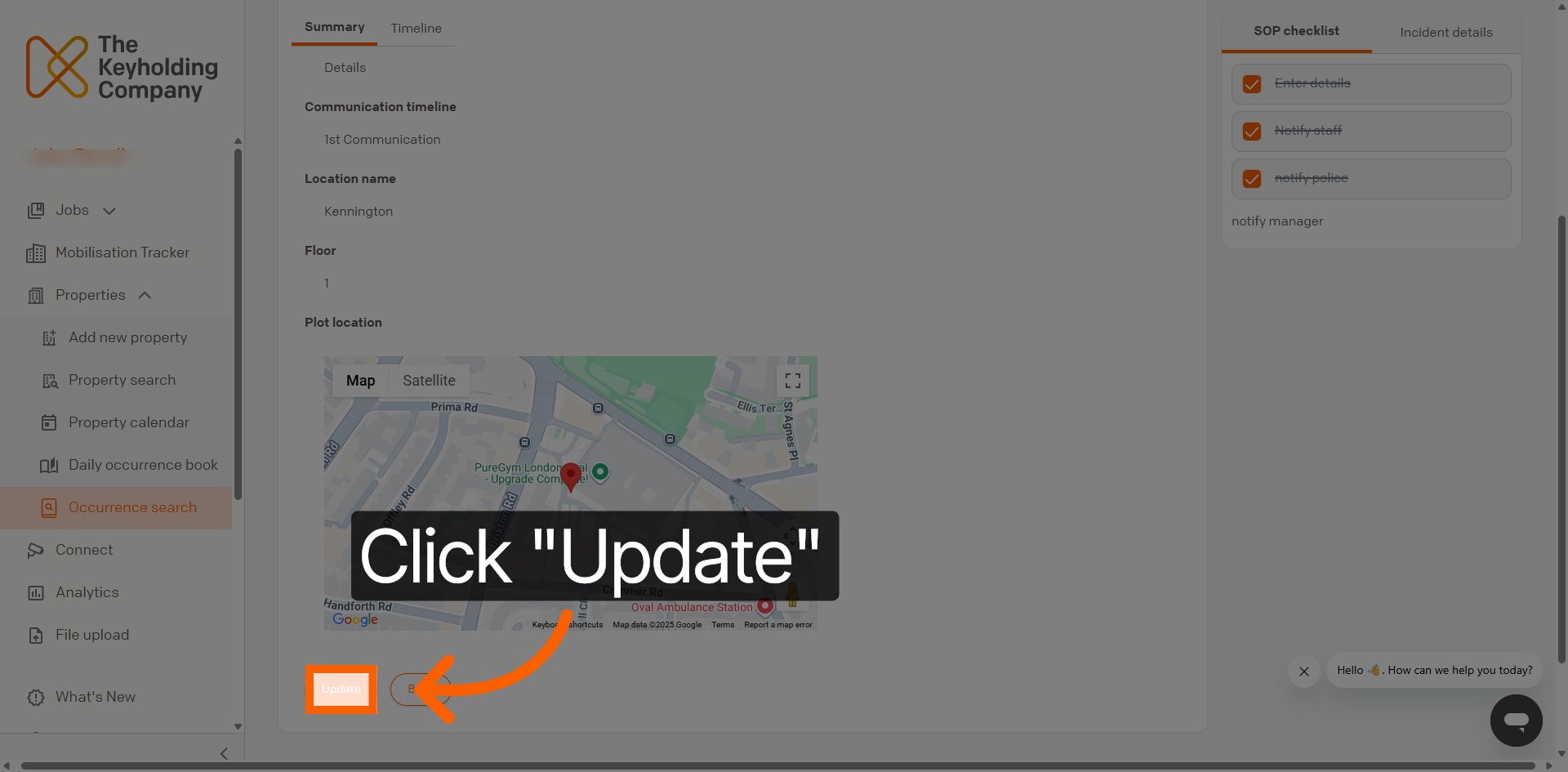
On the Occurrence summary page, navigate to the bottom left of the summary and click the Update button to begin modifying the Occurrence information within the management interface.
02
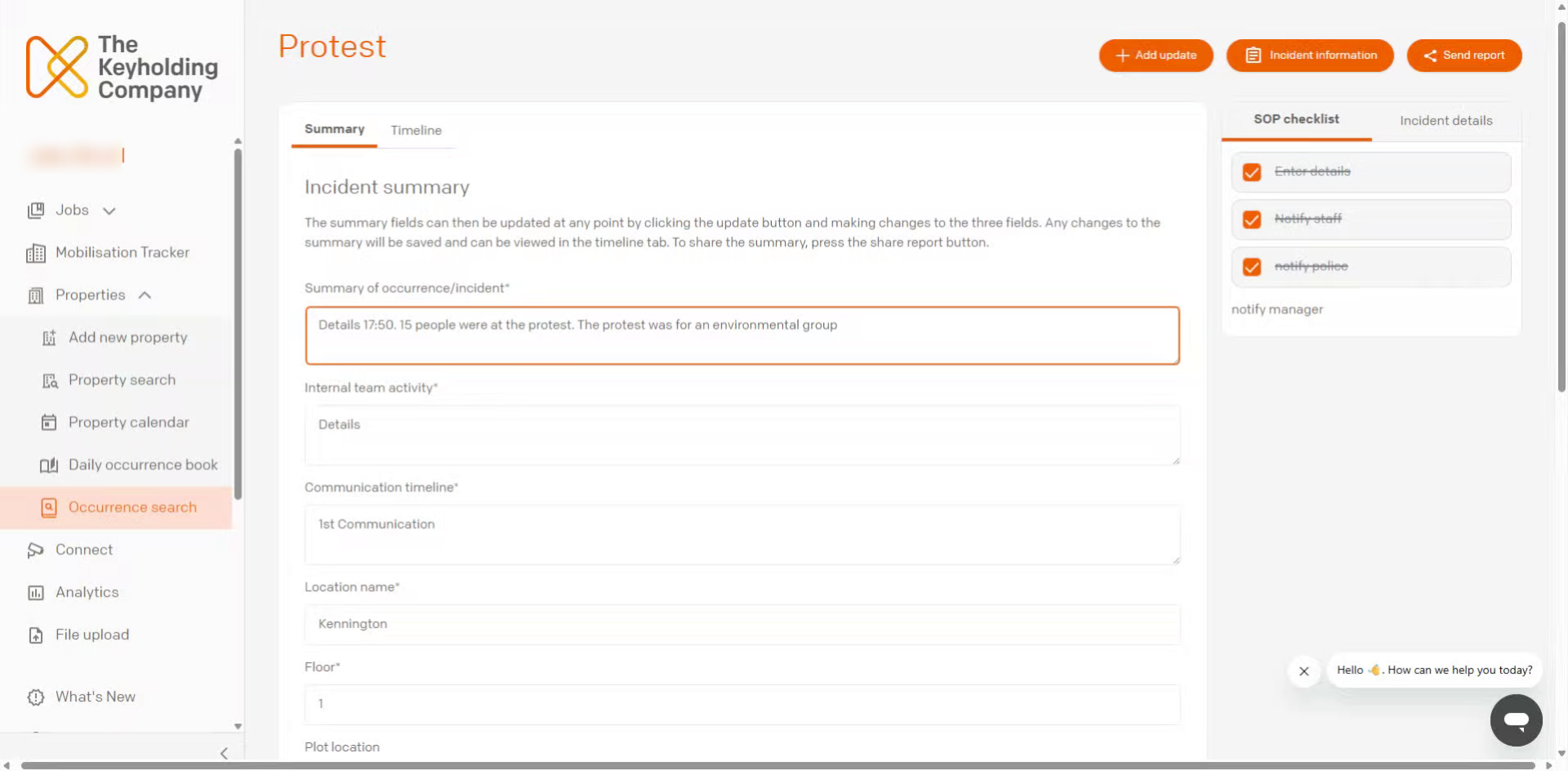
Enter Detailed Summary
Enter the details as instructed on the page.
03
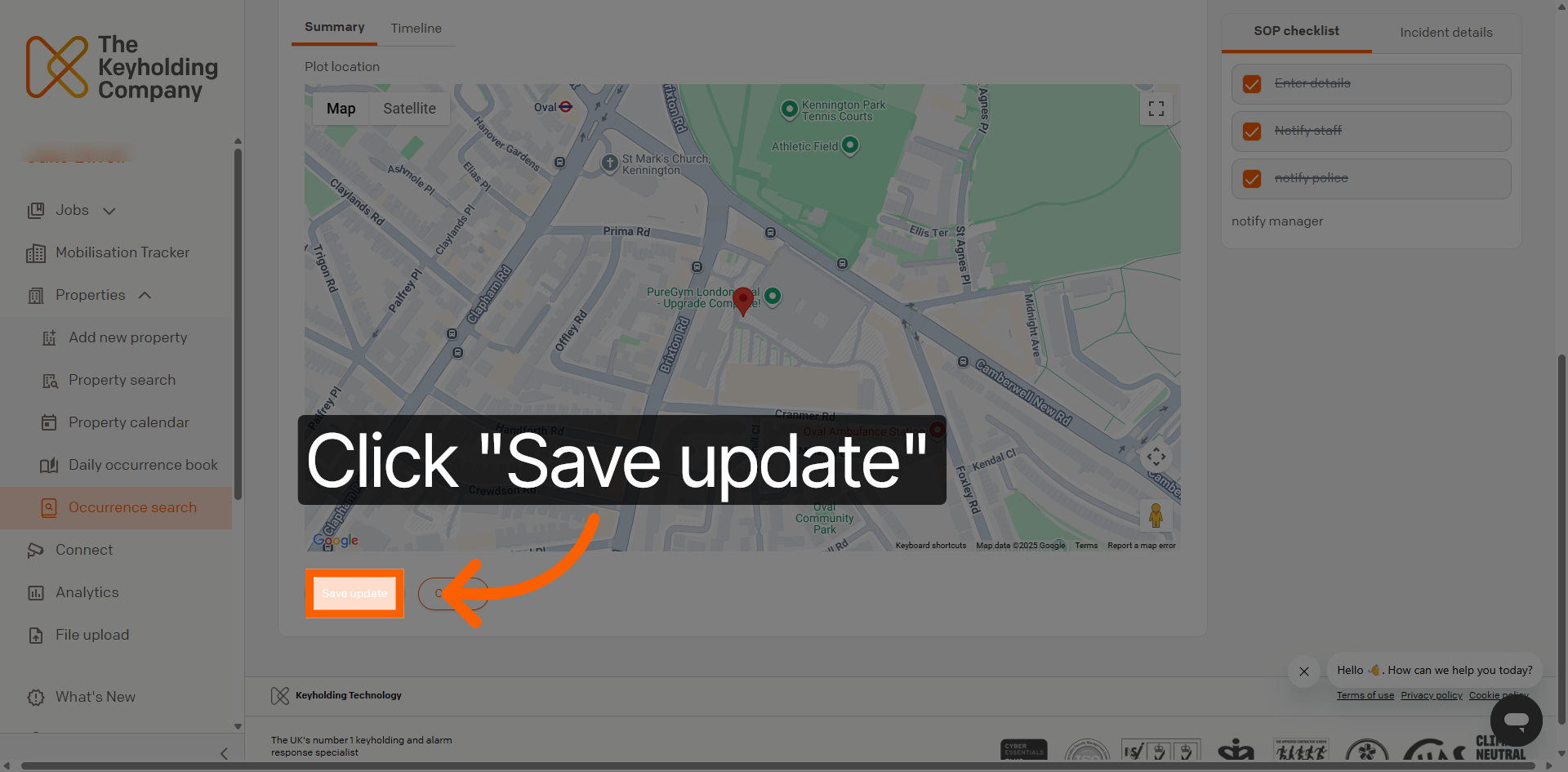
Save Updated Summary
Click the Save update button to finalise and store the changes made to the Occurrence summary.
You have successfully updated the Occurrence summary by locating a specific incident, editing its details, and saving the changes within Command. This ensures accurate and up-to-date records for live and future reference.